Reimagine Your Style With AI
Swap hairstyles, transform outfits, explore fashion aesthetics, and create stunning AI-powered portraits instantly.
Apply a Complete Look, Instantly
Pick a look from our trending templates, or upload a reference photo and let AI transfer its style onto yours.
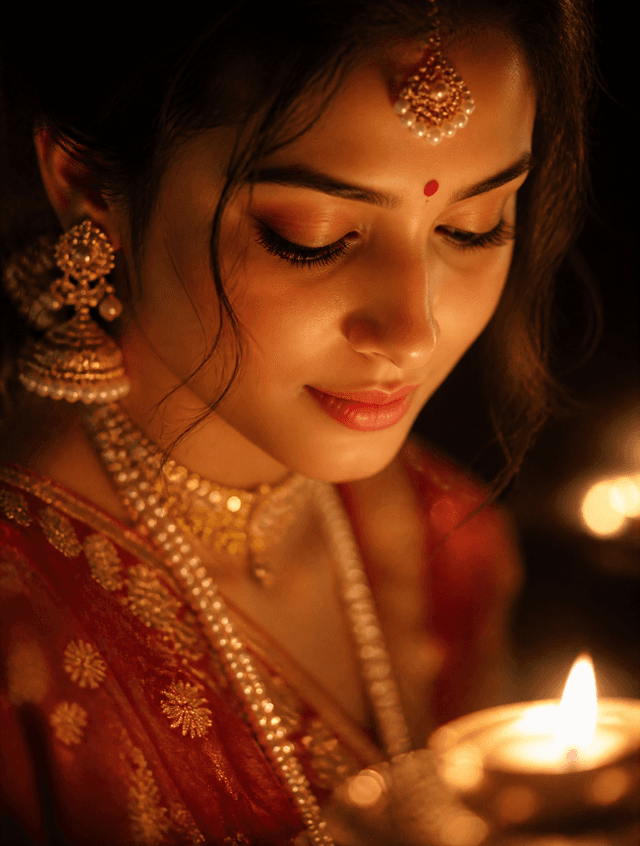
Wedding Elegance
Timeless bridal looks styled for your big day.
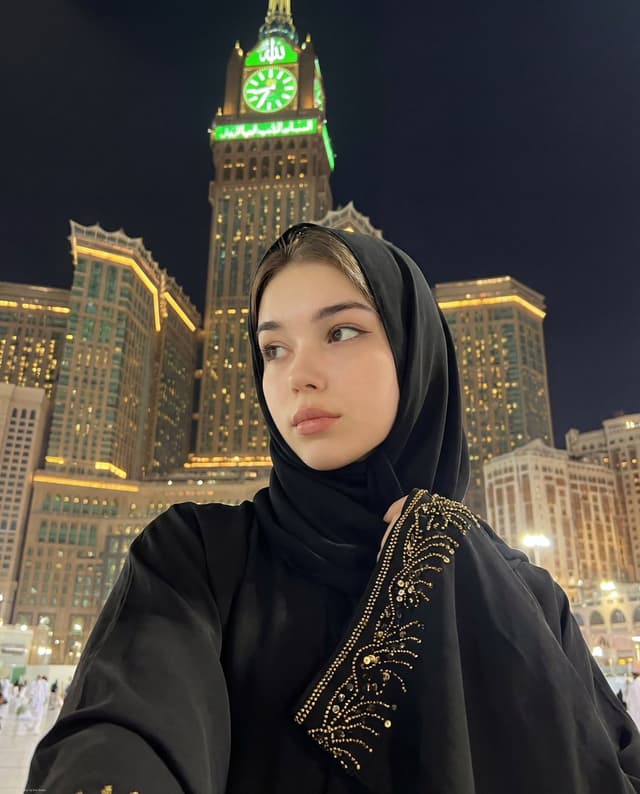
Modern Hijab Styles
Fresh, on-trend hijab looks in a range of colors and fabrics.
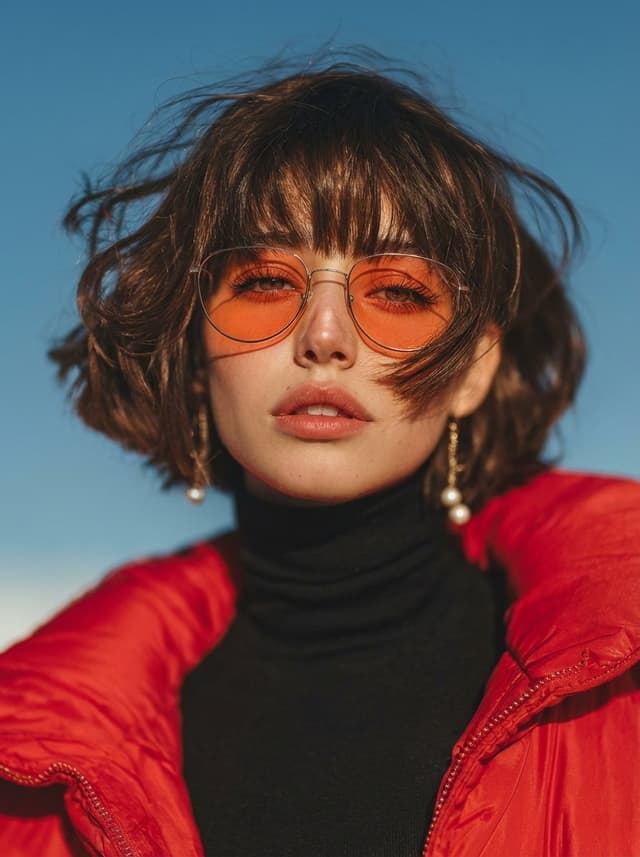
Professional Headshot
Polished, business-ready portraits from a casual photo.
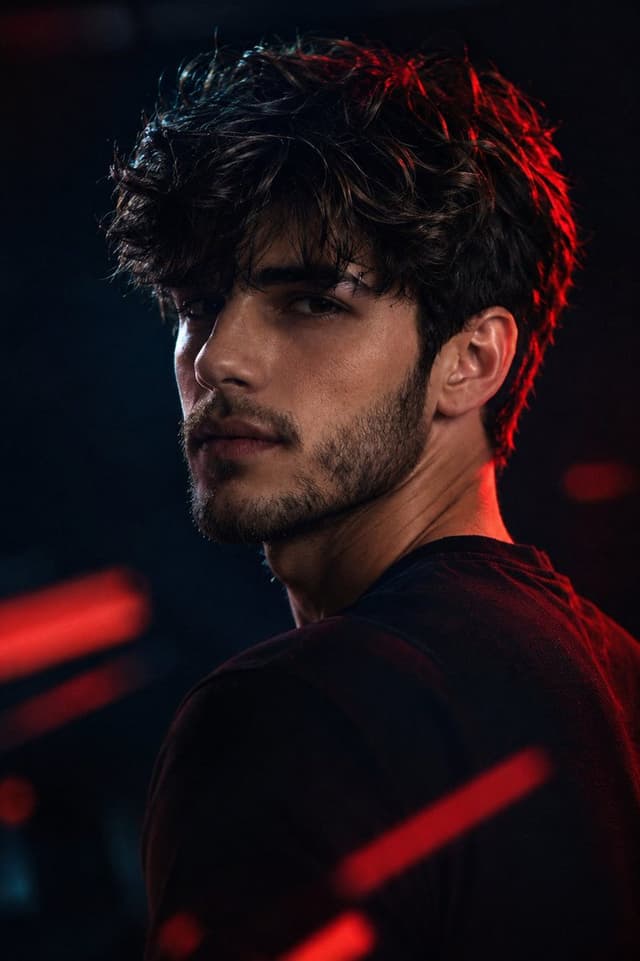
Cinematic Portrait
Dramatic lighting and color grading for a film-still look.
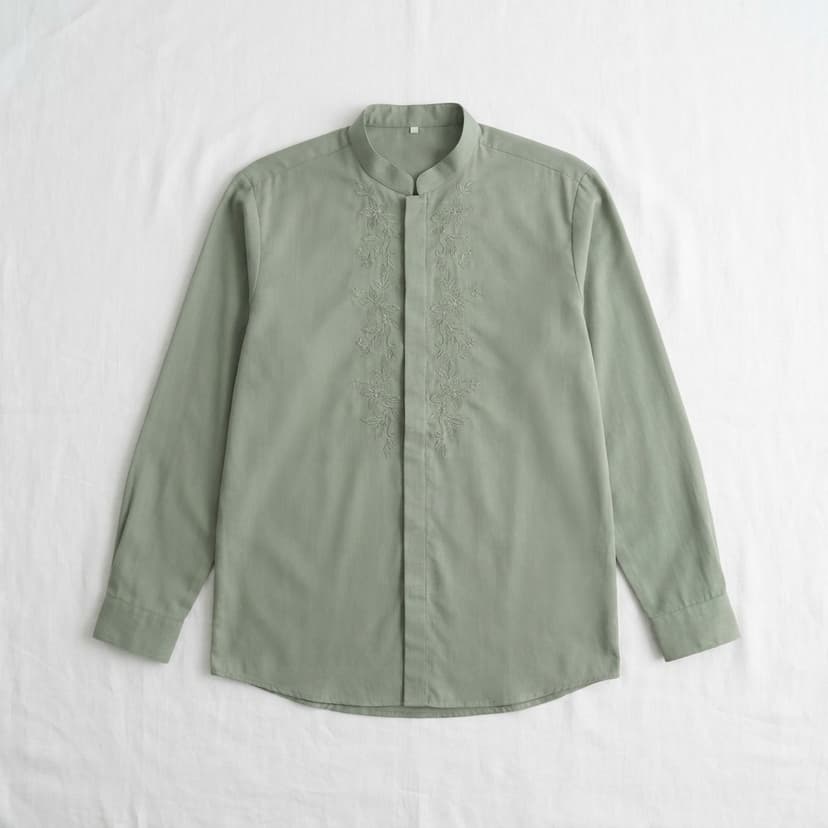
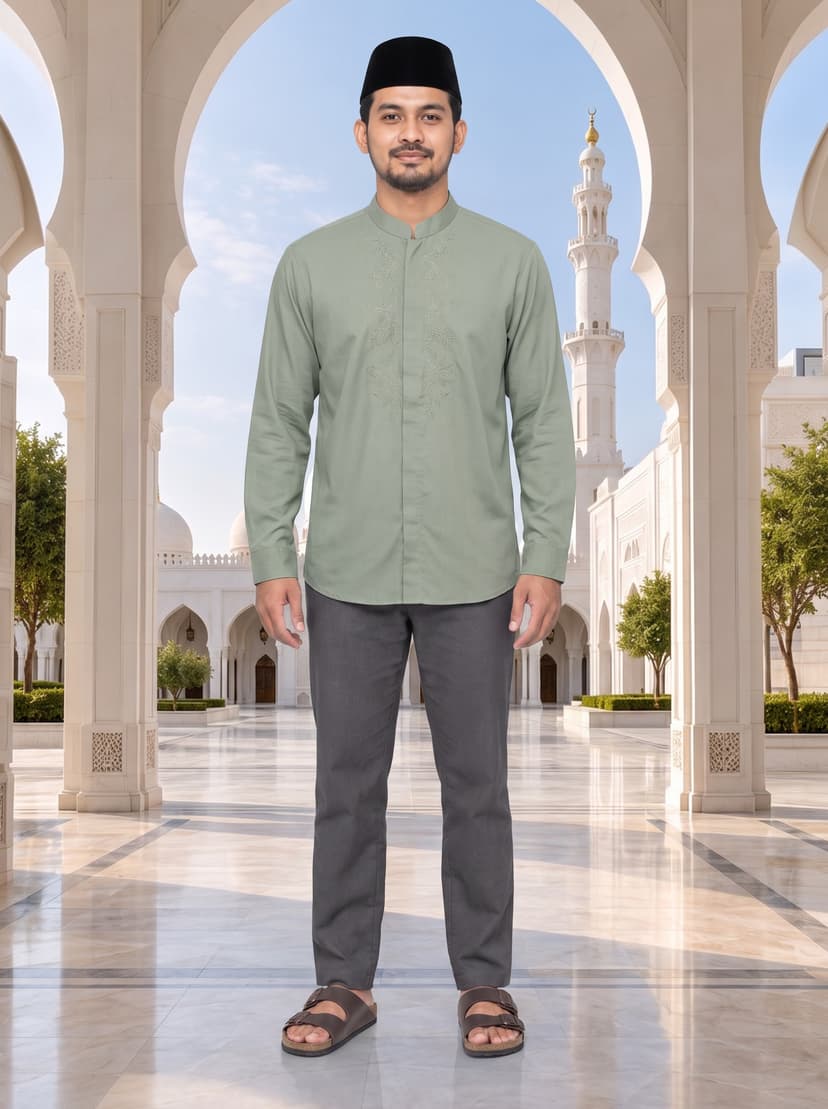
Clothes Changer
Put any garment on yourself or someone else — upload a person photo and a clothing photo, and see it worn realistically while keeping their face, pose, and background exactly as they are.
Any Garment Photo
Works from a simple photo of the clothing item — no product catalog needed.
Preserves Identity
Keeps the person's face, pose, and background exactly as they are.
No Studio Required
Skip the fitting room entirely — see the outfit on in seconds.
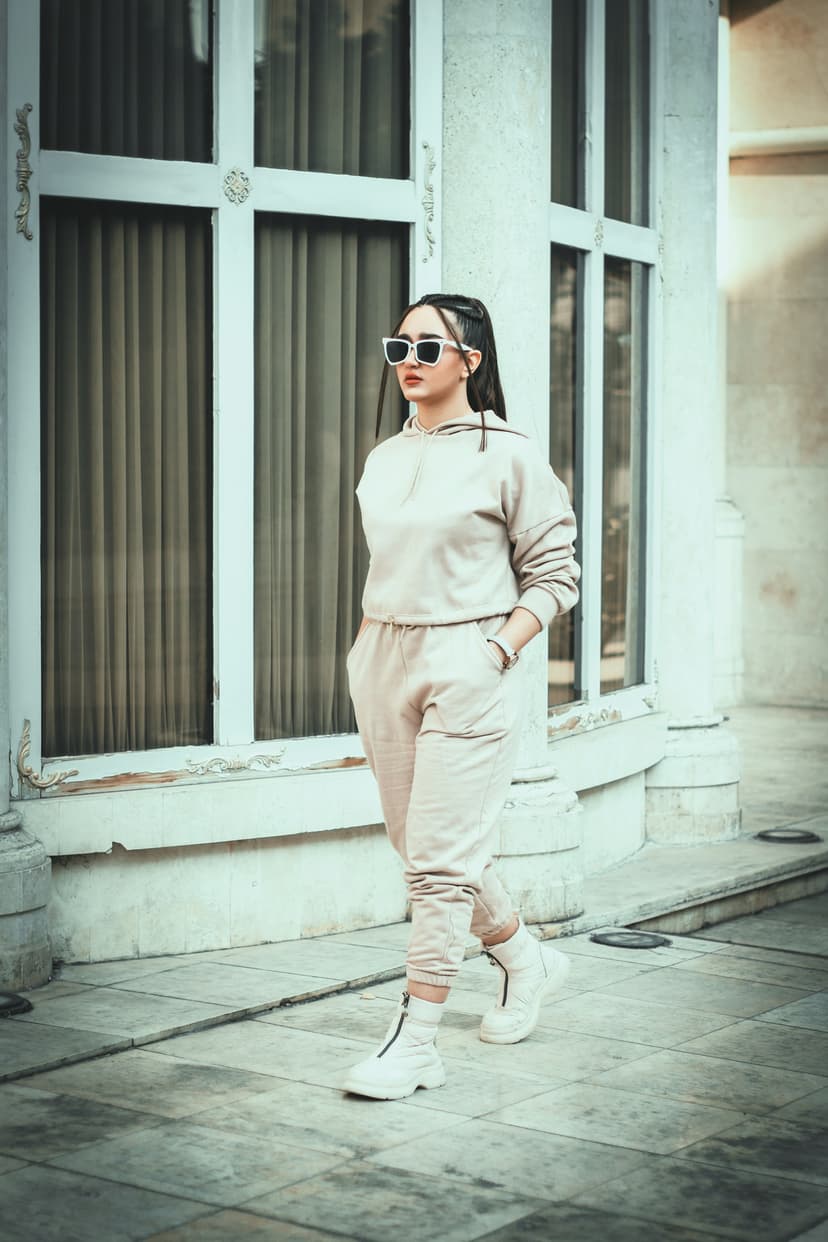
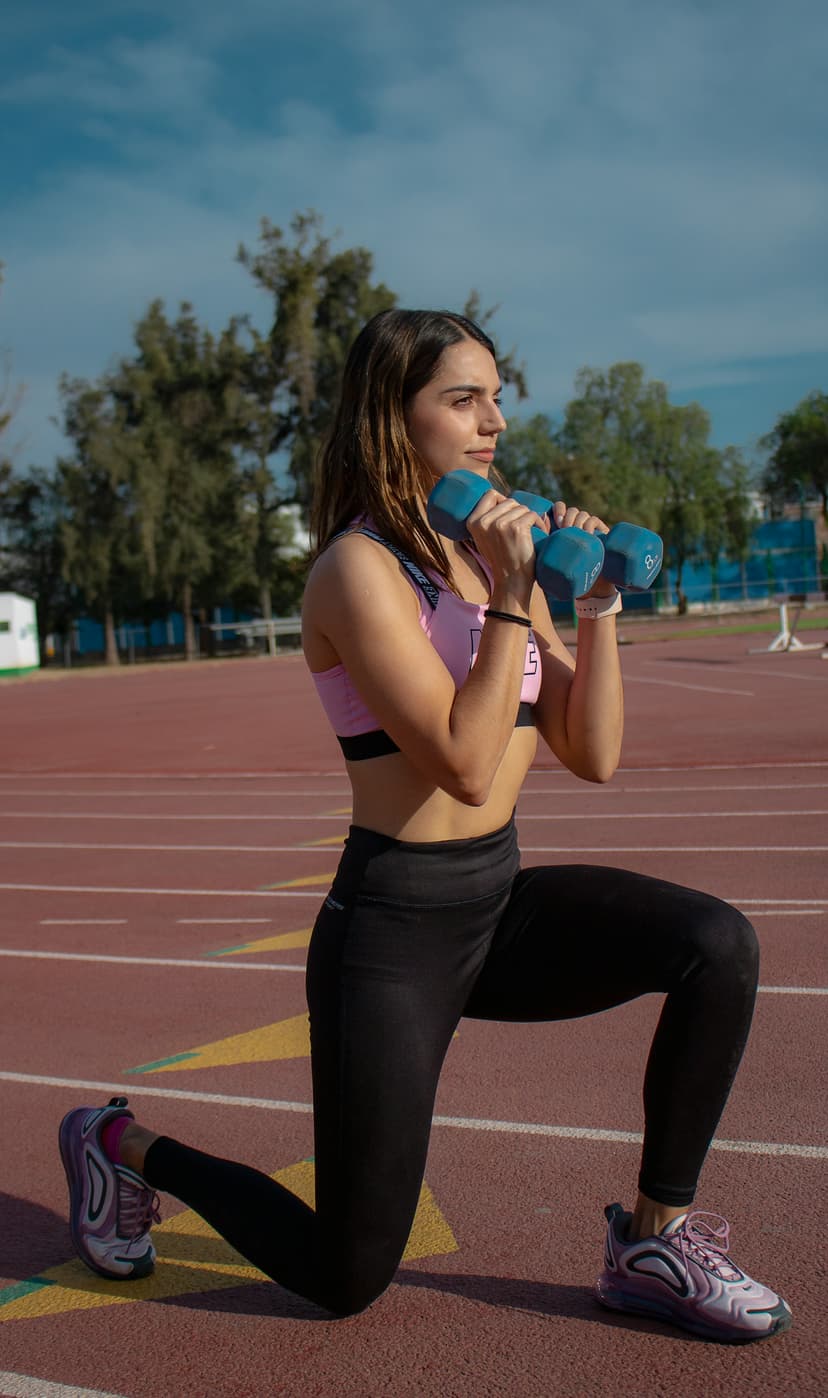
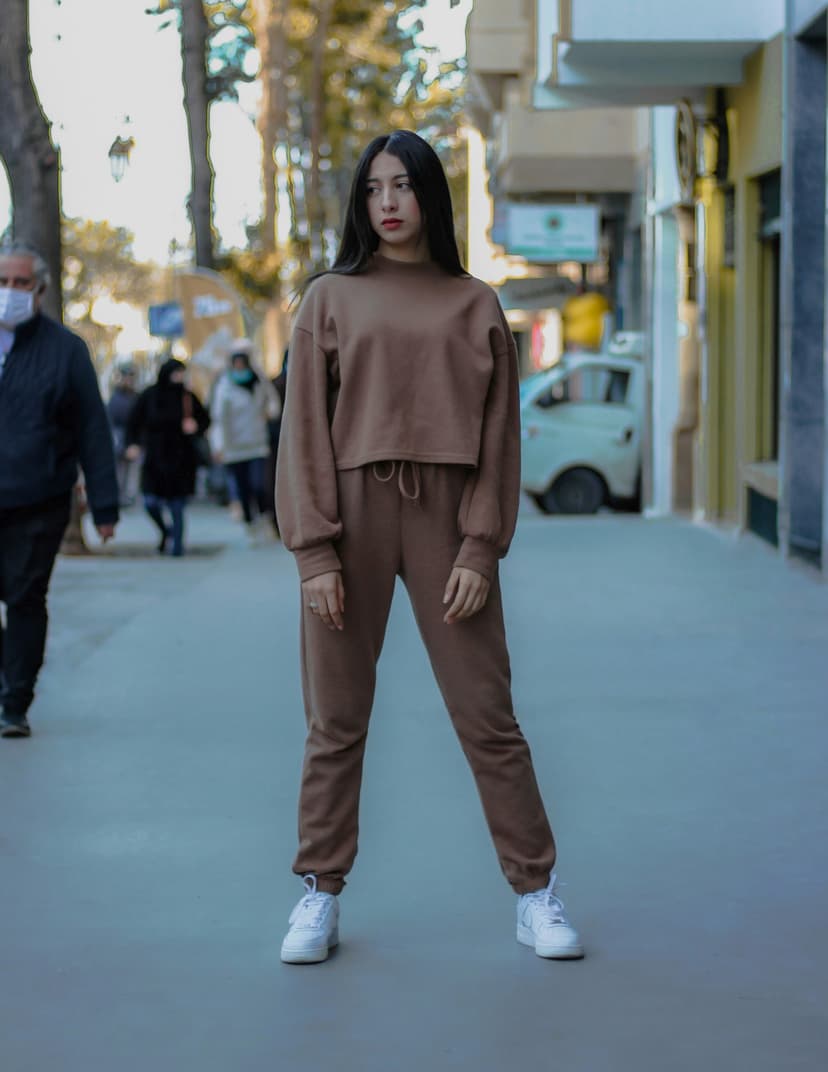
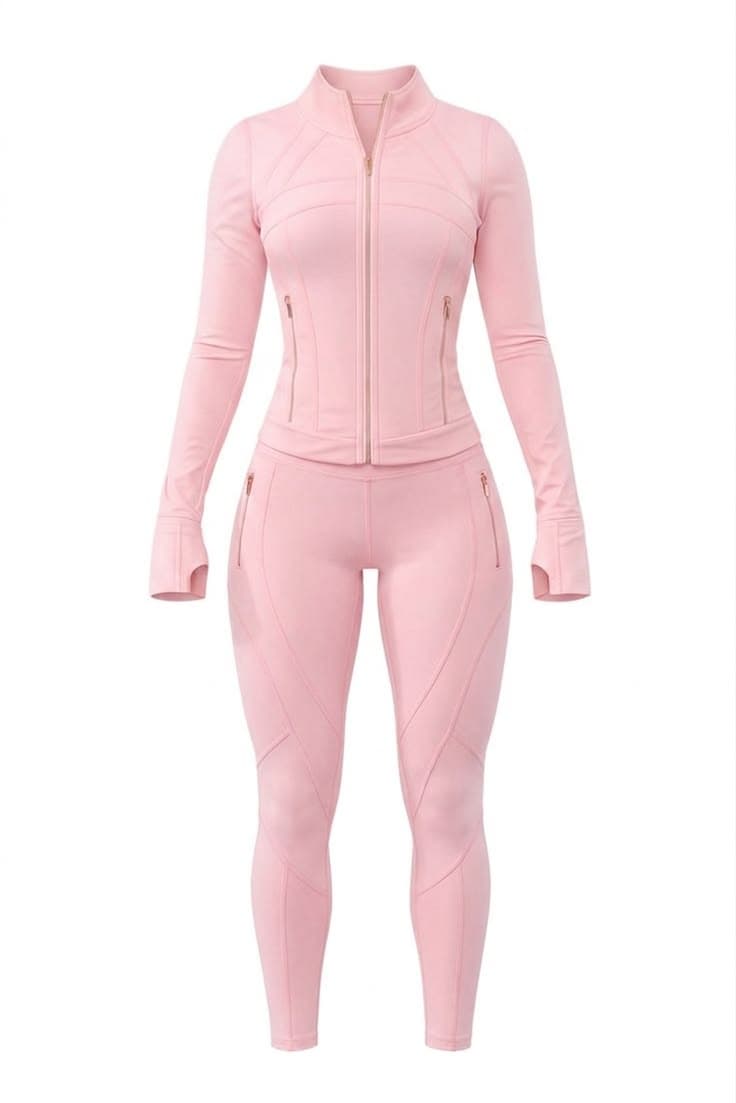
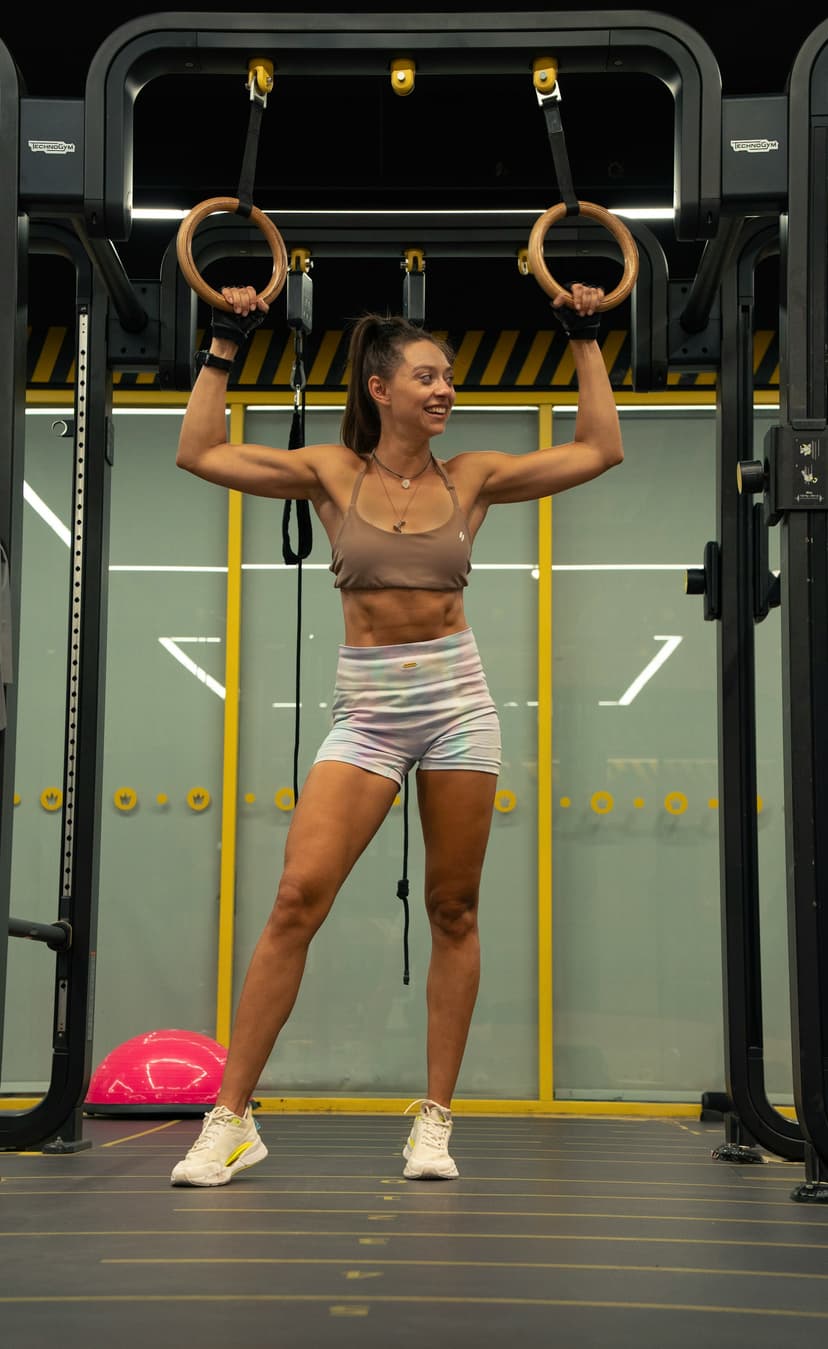
Hairstyle Changer
Pick a hairstyle and color from our preset library — no reference photo needed. Your face, pose, and background stay exactly the same.
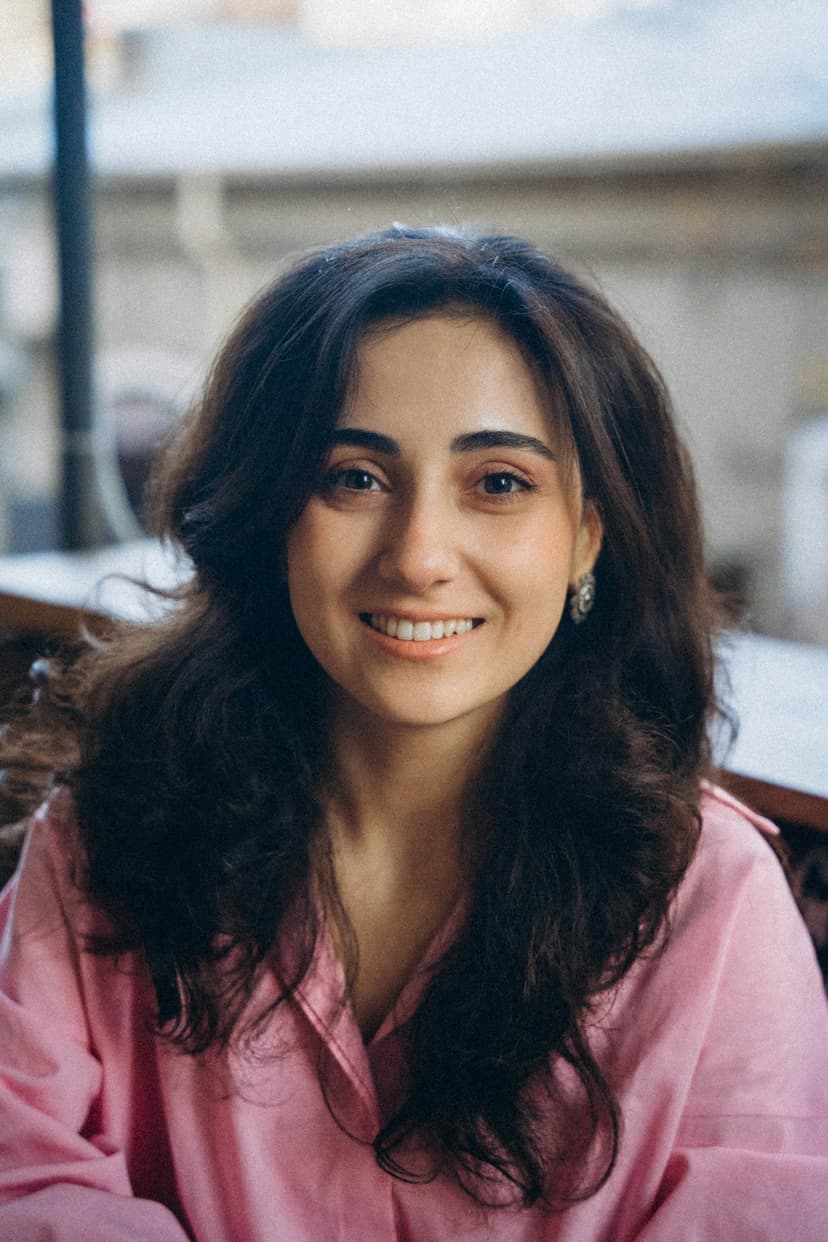
Your Photo
Face & background stay the same
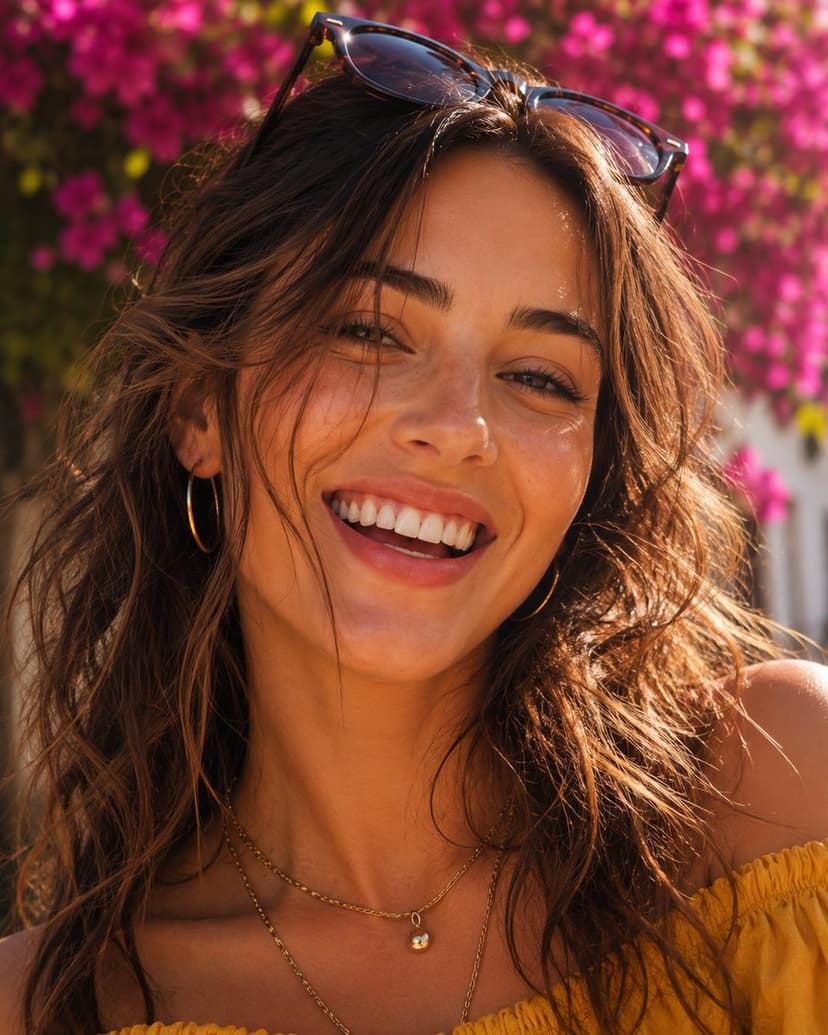
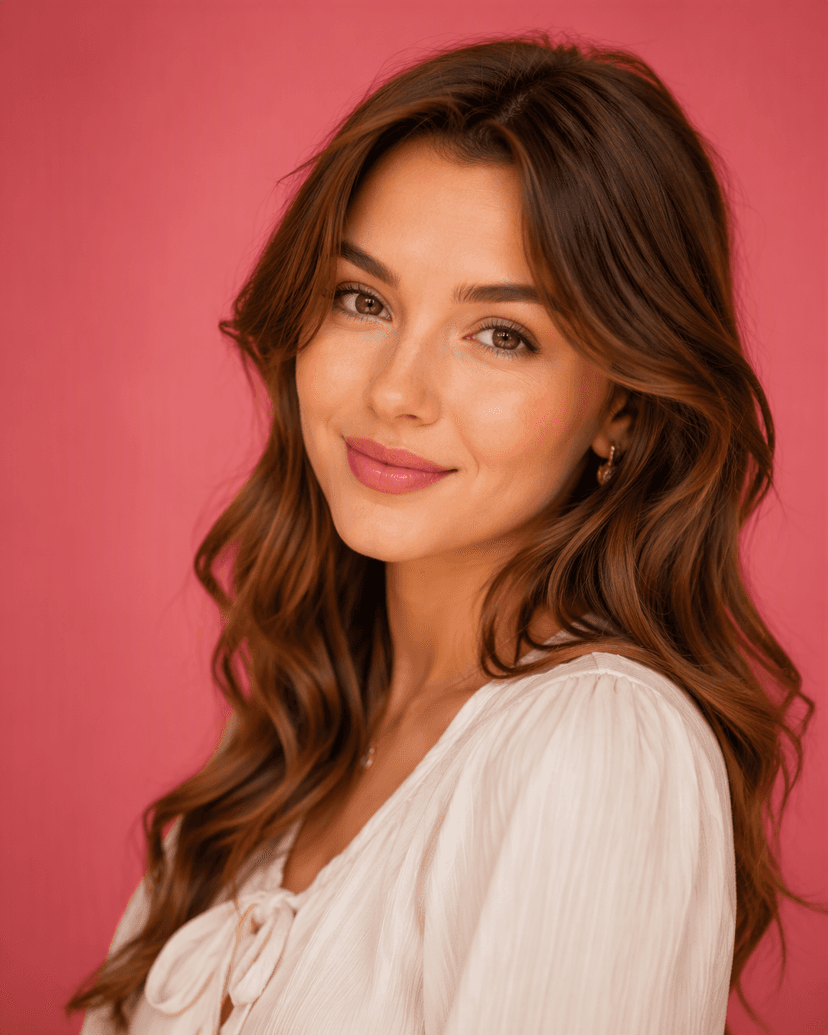
New Hairstyle & Color
Chosen from preset libraries
Dress recolored from white to emerald
Outfit Color Changer
Pick a color and recolor a specific garment — or the whole outfit — while everything else in the photo, from face to background, stays exactly the same.
Pick Any Color
Choose any color and ZinCut matches it to the nearest natural shade.
Target a Garment
Recolor a specific item, or leave it blank to recolor the whole outfit.
Everything Else Stays
Face, background, and every other detail stay untouched.
Build a Fashion Photoshoot, No Studio Needed
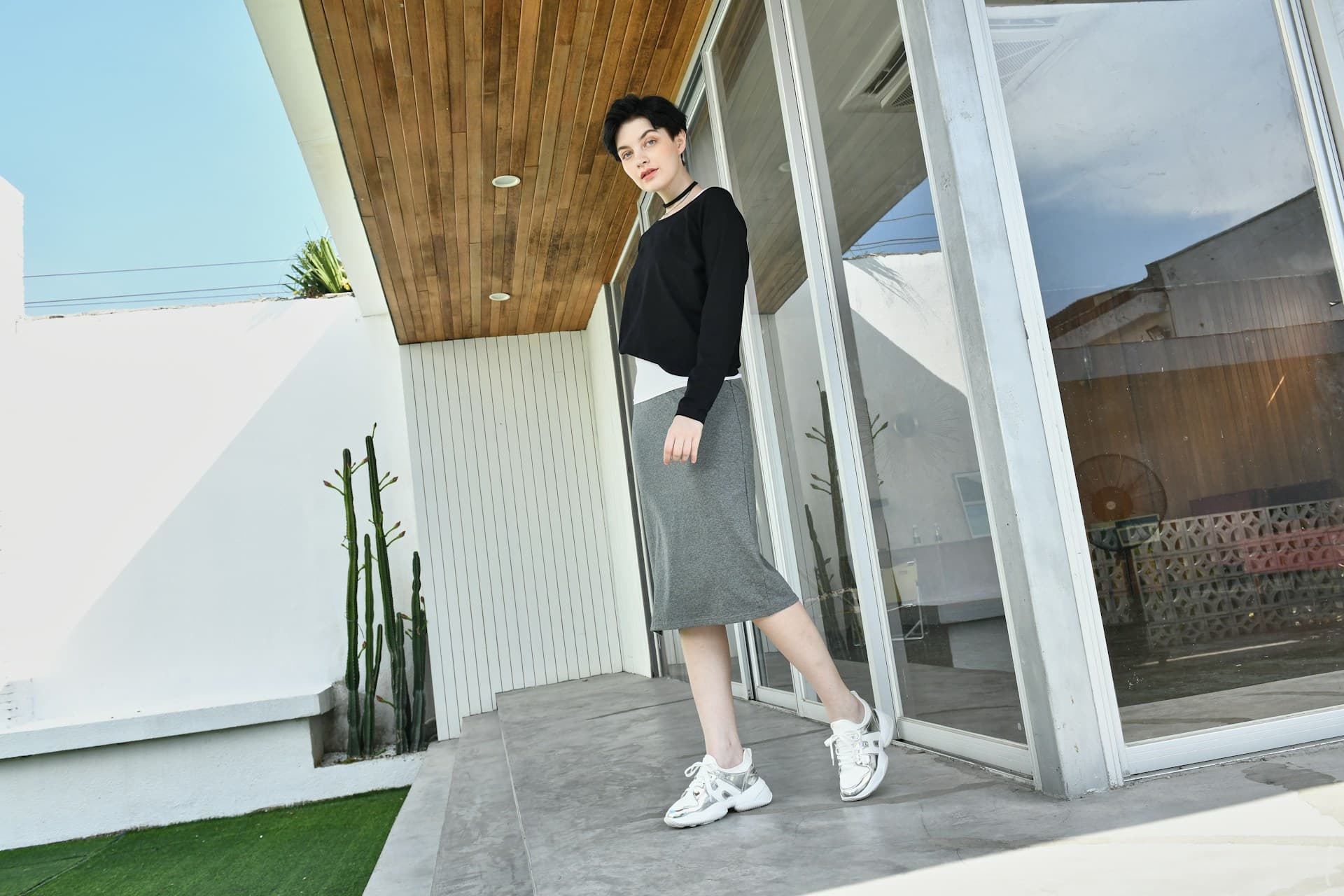
Choose an AI model, a pose, and a scene, then dress them in a full outfit — tops, bottoms, footwear, and accessories. Use our ready-made products or upload your own, and get a polished fashion photo in seconds.
Models, Poses & Scenes
Pick from 50+ AI models, including hijab & modest and kids, with poses and scenes to match — or upload your own model and scene.
Dress the Whole Look
Mix a top, bottom, footwear, and up to 3 accessories from 70+ ready-made products, or upload your own product photos.
Up to 4 Variations
Generate several takes of the same shot at once and keep the one you like best.
Turn Your Outfits Into Fashion Videos
Pick a model, a scene, an outfit, and a video template — and get a ready-to-post fashion video in seconds.
50+ Video Templates
From catwalks and 360 turns to try-on reveals, hijab styling, and promo hooks.
Several Outfits, One Video
Transition templates show 2 or more looks in a single clip, like Snap Transition or Day to Night.
Sound Your Way
Generate music and ambience, or upload your own audio track.
Transform Your Look in 3 Steps
Three simple steps to try on outfits, test hairstyles, and perfect your portraits without complex editing.
1. Upload
Add your photo, plus a reference photo or garment if the tool needs one.
2. Style
Pick a template or preset, or write a prompt, and let AI apply it.
3. Download
Preview your result and save it — no extra editing required.
Trending Looks
Explore our vast library of ready-to-use styles across various categories.
One Image, Every Platform
Don't let formatting slow you down. Select your destination, and ZinCut handles the aspect ratios, safe zones, and resolution requirements for world-leading social platforms.
1080 × 1350 (4:5) • 1080 × 1920 (9:16) • 1080 × 1080 (1:1)
TikTok
1080 × 1920 (9:16 Vertical)
1080 × 1350 (4:5) • 1080 × 1920 (9:16) • 1920 × 1080 (16:9)
Custom Size
Freeform canvas — crop or scale to any resolution
FAQ
Frequently Asked Questions