Create, Edit & Transform Images Images With AI
Generate images from a prompt, combine and extend photos, remove backgrounds or objects, and fill in new content — all powered by AI in one image editor.
Everything You Need to Create Better Images
Create, edit, and transform your images with powerful AI tools designed to make complex edits simple.
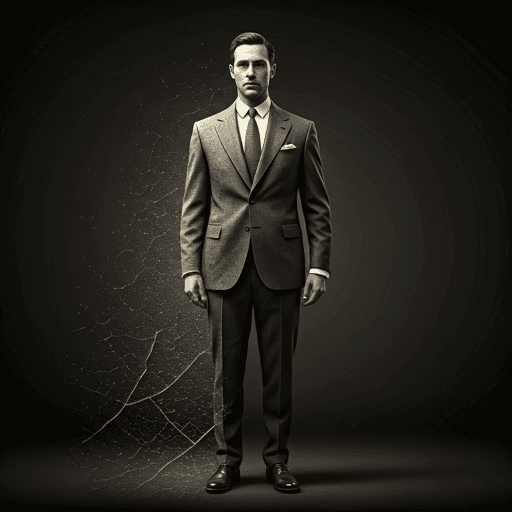
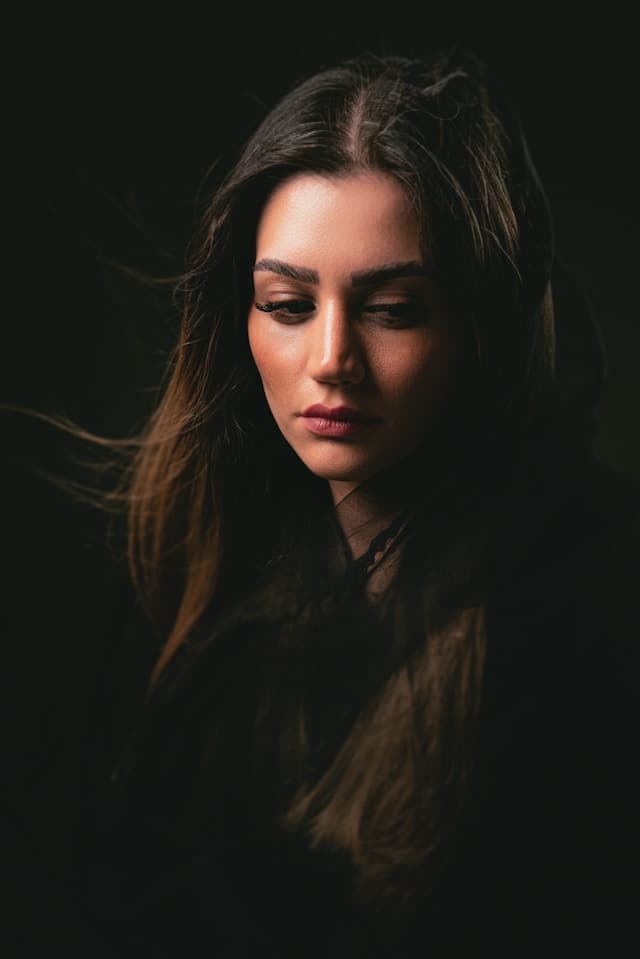
Cinematic Portrait
Studio-quality portrait lighting and mood, generated from your photo.
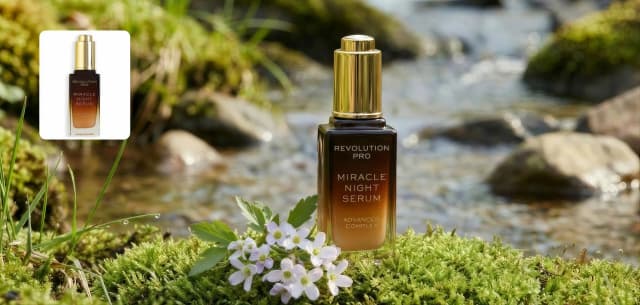
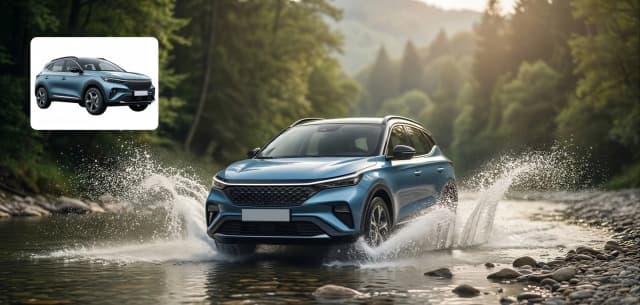
Product Showcase
Clean, professional product scenes generated from a simple prompt.
Fantasy Landscape
Sweeping, imaginative scenes generated entirely from text.
Minimalist Poster
Bold, modern graphic compositions for social and print.
Merge Two Photos With a Prompt
Upload two images, describe how you want them combined, and ZinCut's AI blends them into one new result.
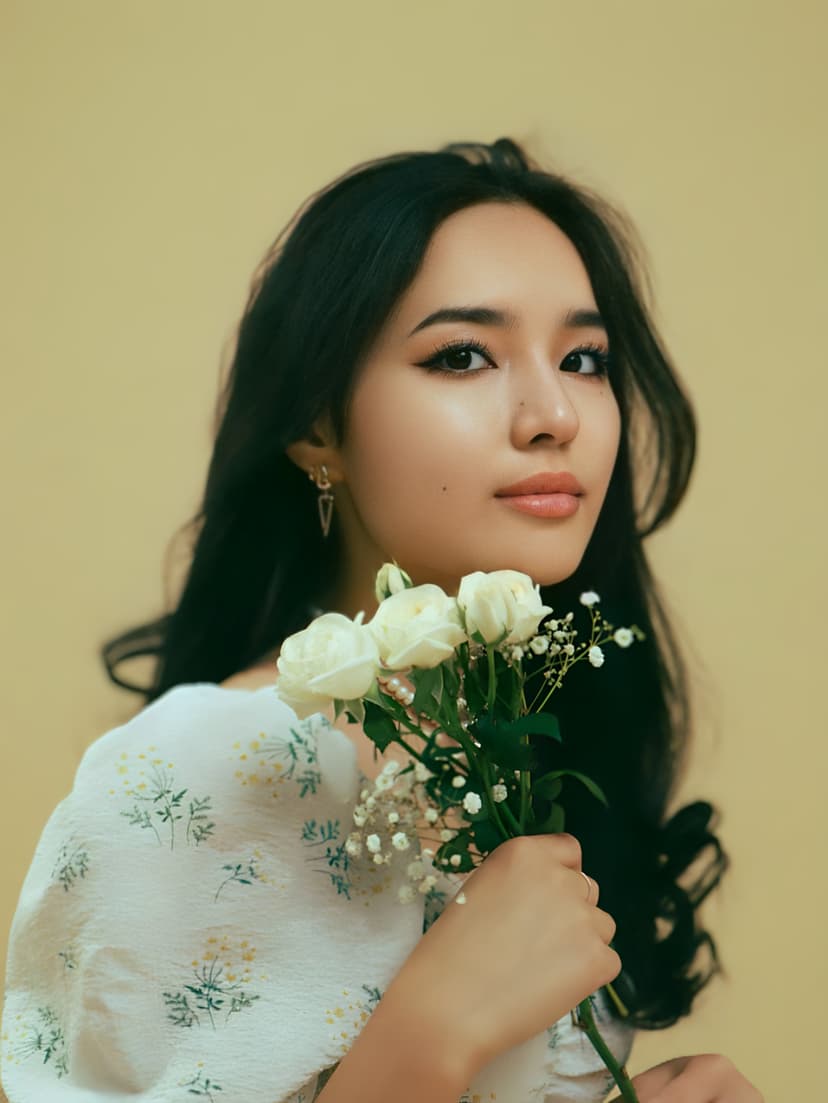
First Image
Your starting photo
Second Image
What you want blended in
Background Editor
Instantly remove, replace, or generate entirely new environments for your subjects while preserving perfect lighting and shadows. Achieve studio-quality composites in seconds.
Remove Background
Strip the background entirely with one click.
Solid Color
Drop in any solid color background in seconds.
Your Own Image
Upload a reference photo to use as the new background.
AI-Generated Scene
Describe a scene in words and let AI generate it as your background.
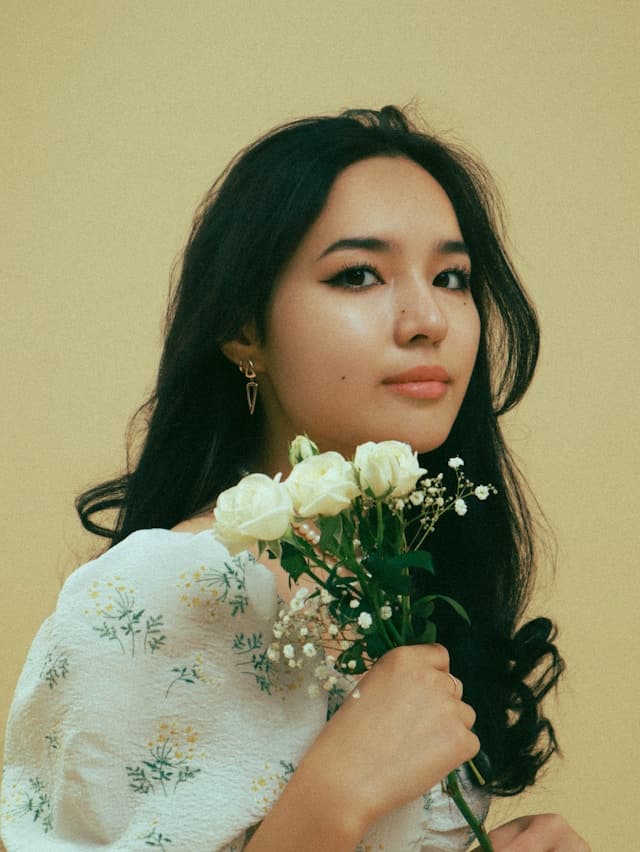
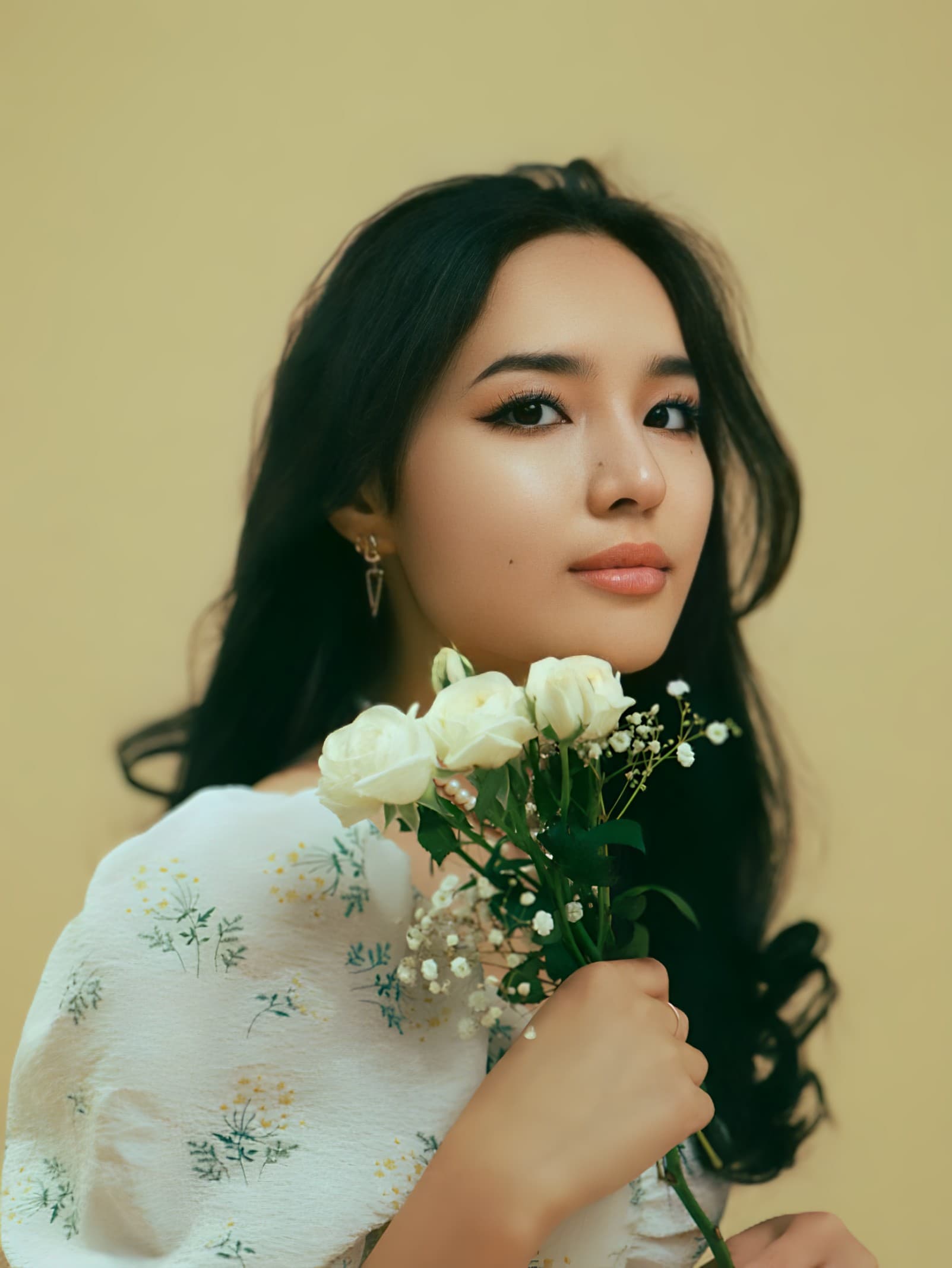
Object Remover
Surgical precision Magic Eraser. Remove unwanted objects, photobombers, or blemishes via text prompt or manual marking. The AI intelligently reconstructs the background behind the removed object.
Paint a Mask
Brush or lasso over exactly what you want removed.
Auto Detect
Describe what to remove in a text prompt — no painting required.
Combine Both
Use a mask and a prompt together for extra control over the result.
Generative Fill
Expand your photo to a new aspect ratio and let AI fill in the new space — optionally guided by a prompt describing what should appear there.
Any Aspect Ratio
Expand your photo to fit any aspect ratio, from square to widescreen.
Optional Prompt
Describe what should appear in the new space, or leave it blank and let AI decide.
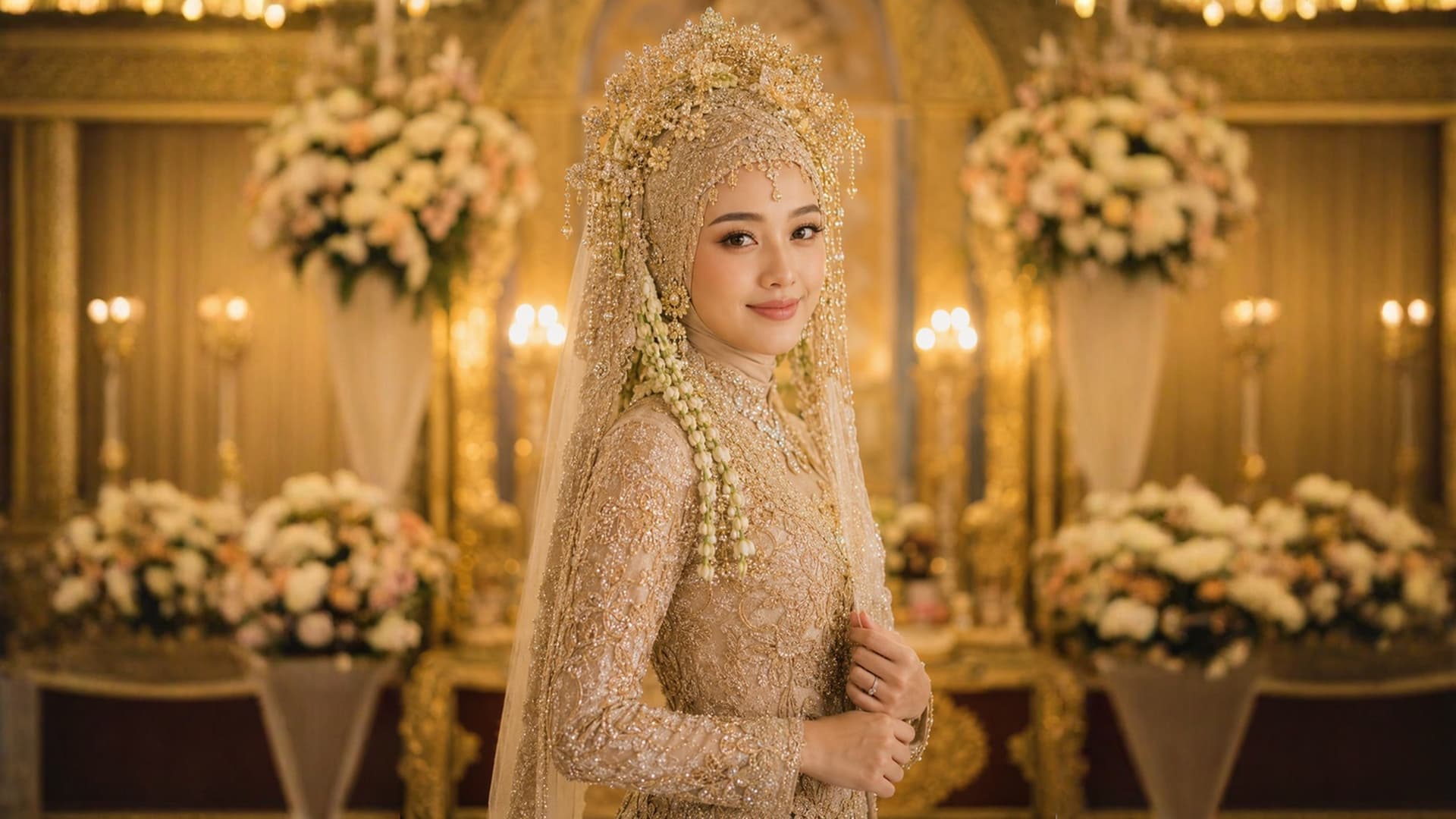
Expanded into a wider frame with a matching garden
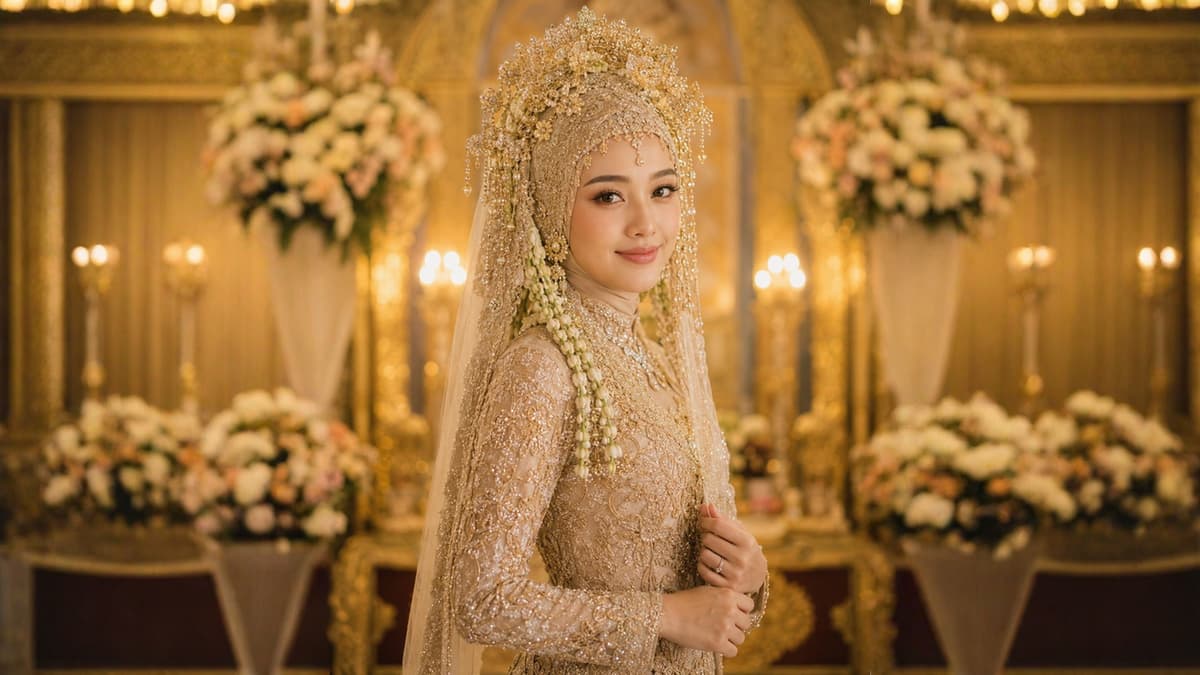
Image Extender
Expand your canvas seamlessly beyond original borders. Change aspect ratios from portrait to landscape effortlessly while the AI imagines and generates the continuation of your scene in any direction.
Expand Any Side
Extend your photo up, down, left, or right — or all sides at once.
Precise Control
Set exactly how many pixels to add, from a small nudge to a full reframe.
Trending Templates
Explore our vast library of ready-to-use styles across various categories.
One Click, Every Platform
Don't let formatting slow you down. Select your destination, and ZinCut handles the aspect ratios, safe zones, and resolution requirements for world-leading social platforms.
1080 × 1350 (4:5) • 1080 × 1920 (9:16) • 1080 × 1080 (1:1)
TikTok
1080 × 1920 (9:16 Vertical)
1080 × 1350 (4:5) • 1080 × 1920 (9:16) • 1920 × 1080 (16:9)
Custom Size
Freeform canvas — crop or scale to any resolution
FAQ
Frequently Asked Questions